
Etch Drawer
HTML drawer that feels iOS native.
Swipeable, stackable and four-directional. Ship gesture-driven modals, notifications, menus and navigation in a fraction of the time. Vanilla JS, zero framework lock-in.
Skip the blank canvas.
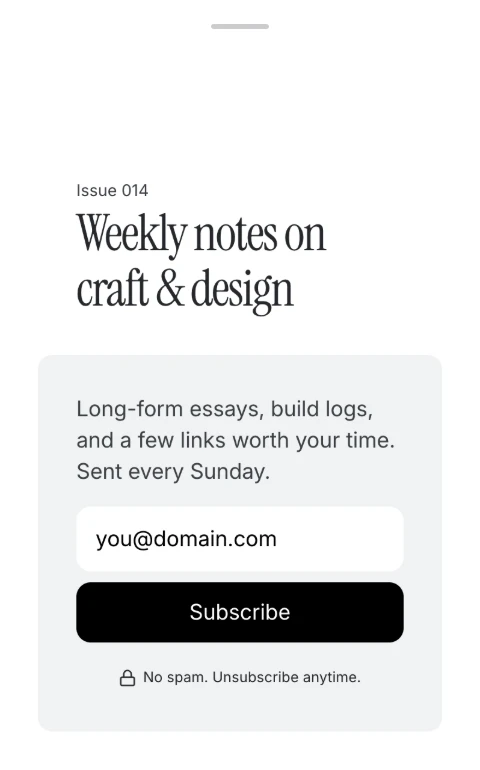
Ships with ready-made drawer patterns: a subscribe drawer and 4 navigation menus. Built with Etch and ACSS. Drop one in and make it yours.
- 01Crux
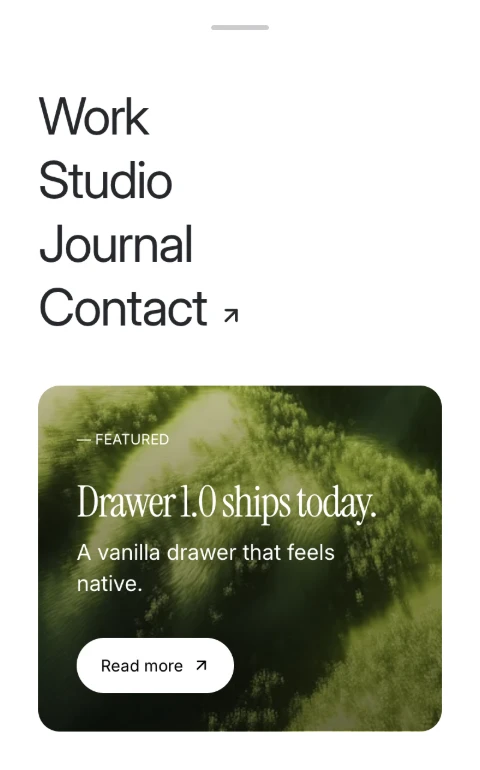
- 02Hydra
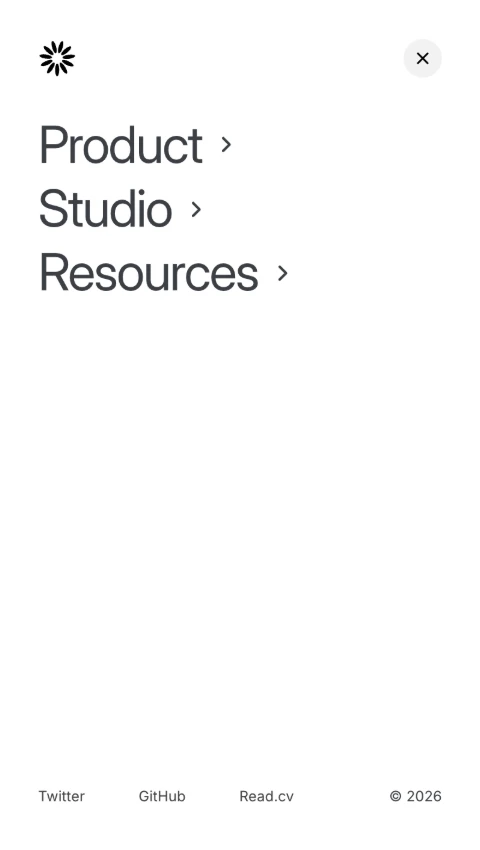
- 03Ara
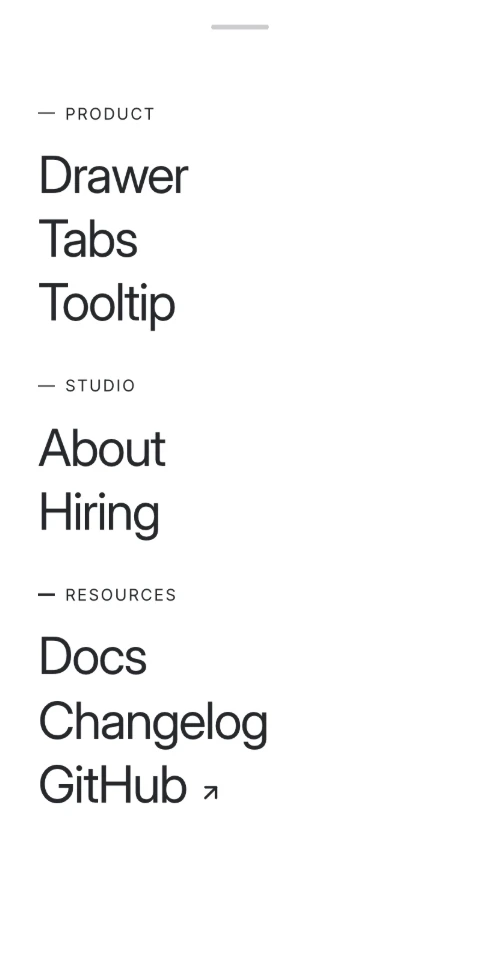
- 04Pavo
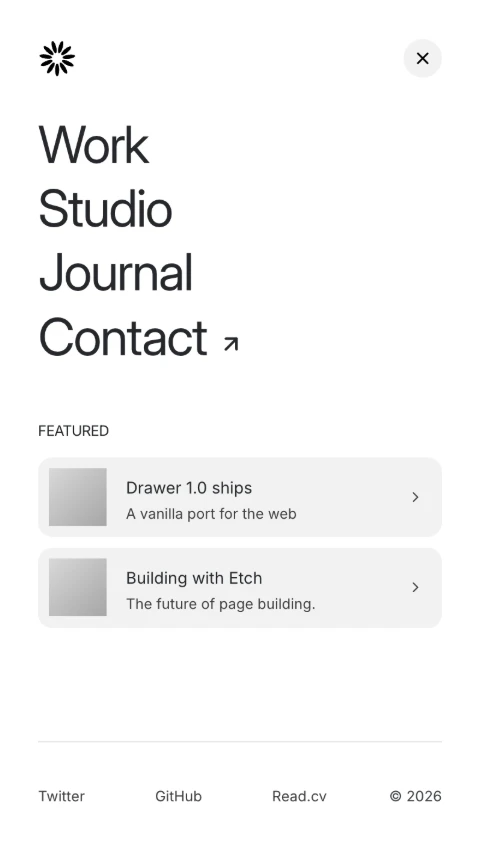
- 05Indus
Swipe to browse
Drawer 1.0 ships today.
A vanilla drawer that feels native.
Weekly notes on craft & design
Issue 014Long-form essays, build logs, and a few links worth your time. Sent every Sunday.
Featured
- Drawer 1.0 shipsA vanilla port for the web
- Building with EtchThe future of page building.
Notify without interrupting.
Passive Mode
Set a drawer to open automatically and behave like a gentle popup instead of a takeover. No overlay, no scroll lock, nothing blocking the page. It’s a good fit for cookie notices, announcements, or promos that shouldn’t interrupt the experience.
Nest them as deep as you want.
Open a drawer inside a drawer. The parent scales back to make room, then springs forward when the child closes. It handles focus, layering, and animation automatically. You just wire the triggers.
Product
- Drawer
- Tabs
- Modal
- Tooltip
Show only what you want, when you want.
Snap Points
Put a snap point on any element in the drawer and the drawer rests at its edge until the user drags it further. Flick it and it reads the speed, so a fast swipe closes or opens it outright.
Snap Point Feature
Drag the drawer further to reveal the next portion.
Accessible out of the box.
Screen readers, keyboard users, and focus management are handled from the start. Drawers announce themselves, trap focus correctly, and return it when they close. You ship something that works for everyone, without extra effort.
- Esc
Closes the topmost drawer, never the one behind it
- Tab
Cycles inside the open drawer only. Focus is trapped
- Shift+Tab
Walks back through the same trapped loop
- On close
Focus returns to the trigger that opened it
- Screen reader
The drawer announces its role, name and state
Release Preview Video
The release preview walks through how to use it and what’s included.
What lands in your download
An Etch-ready drawer system
Built around ACSS, so it inherits the tokens you already have.
Five designed patterns
One subscribe drawer and four navigation menus, ready to edit.
Zero dependencies
A single self-contained JS class. No framework, no build step.
Everything exposed as custom properties
Background, overlay colour, transition duration, radius, handle size and more.
Custom events at every transition
Hook your own logic into open, close, and every state in between.
Full documentation
Online at docs.nickarce.com, and included with your download.
Questions people ask before buying
Is there documentation available?
Yes. Full documentation is available on docs.nickarce.com and included with your download.
Are there any JS dependencies?
Nope. Zero dependencies. The JS is a single self-contained class with no framework requirements. It dispatches custom events at every state transition so you can hook in your own logic.
Are there any external CSS files?
No. Everything lives in the component's CSS files. All visual customization is exposed through CSS custom properties: drawer background, overlay color, transition duration, border radius, handle dimensions, and more.
How many site licenses do I get?
You can use it on unlimited personal or client sites. I just ask that you do not share it with others, and that you encourage them to help support the continued development of components.
